

Collection
Storage and accessories
The camera gets the attention and the accessories decide whether it runs. Surveillance drives are built for continuous writing, microSD cards differ in endurance, and a PoE switch is what makes a clean multi camera install possible.















The parts that decide whether the system survives
Cameras are the visible half of an installation and storage is the half that fails. A drive that is not rated for continuous writing dies in a year. A microSD card built for a phone fills with heat related errors in a dash cam. A PoE switch that cannot supply the total wattage drops cameras when the infrared turns on at dusk. None of these failures look like hardware problems at first. They look like the app crashing.
This category exists because these parts are cheap, easy to get wrong, and rarely explained at the point of sale.
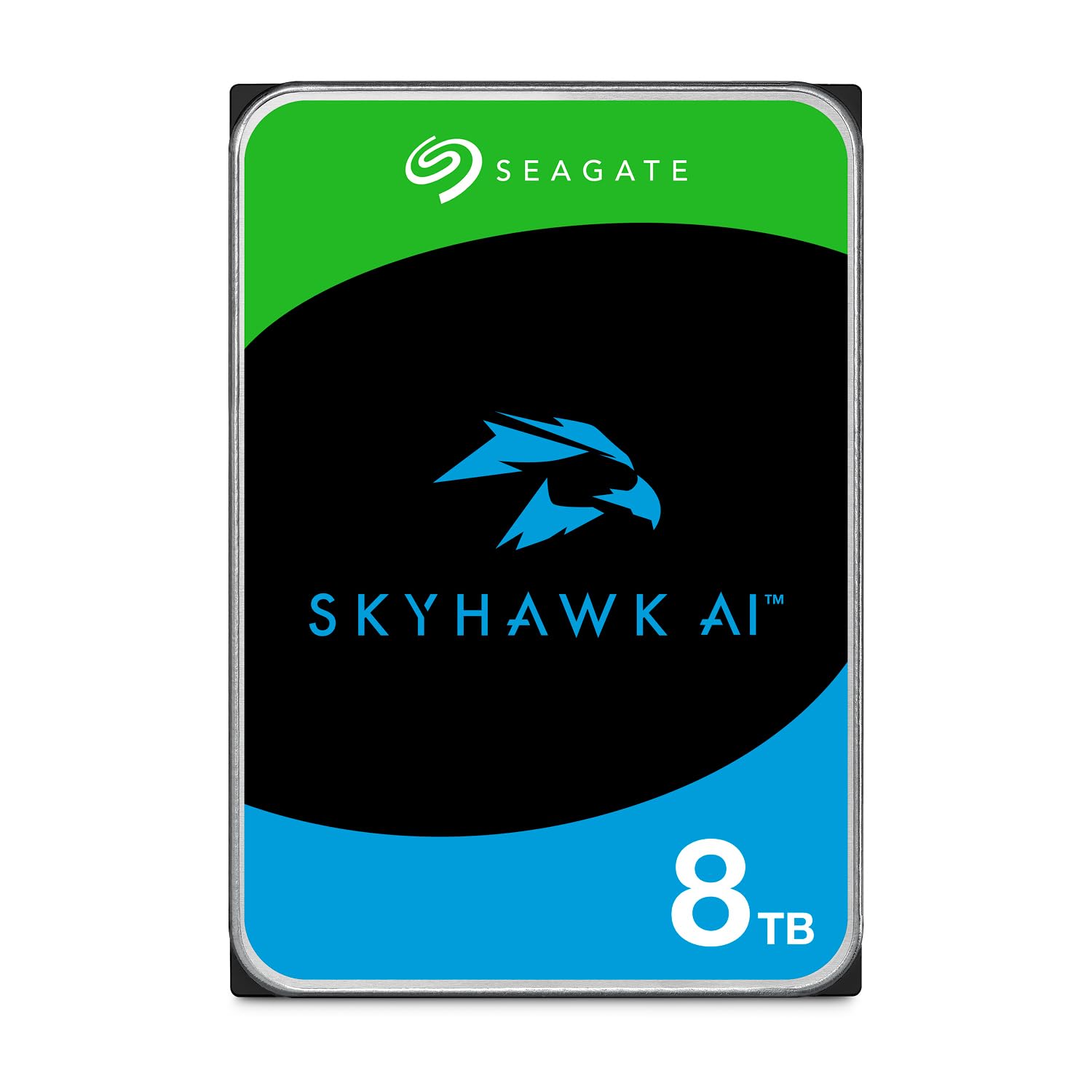
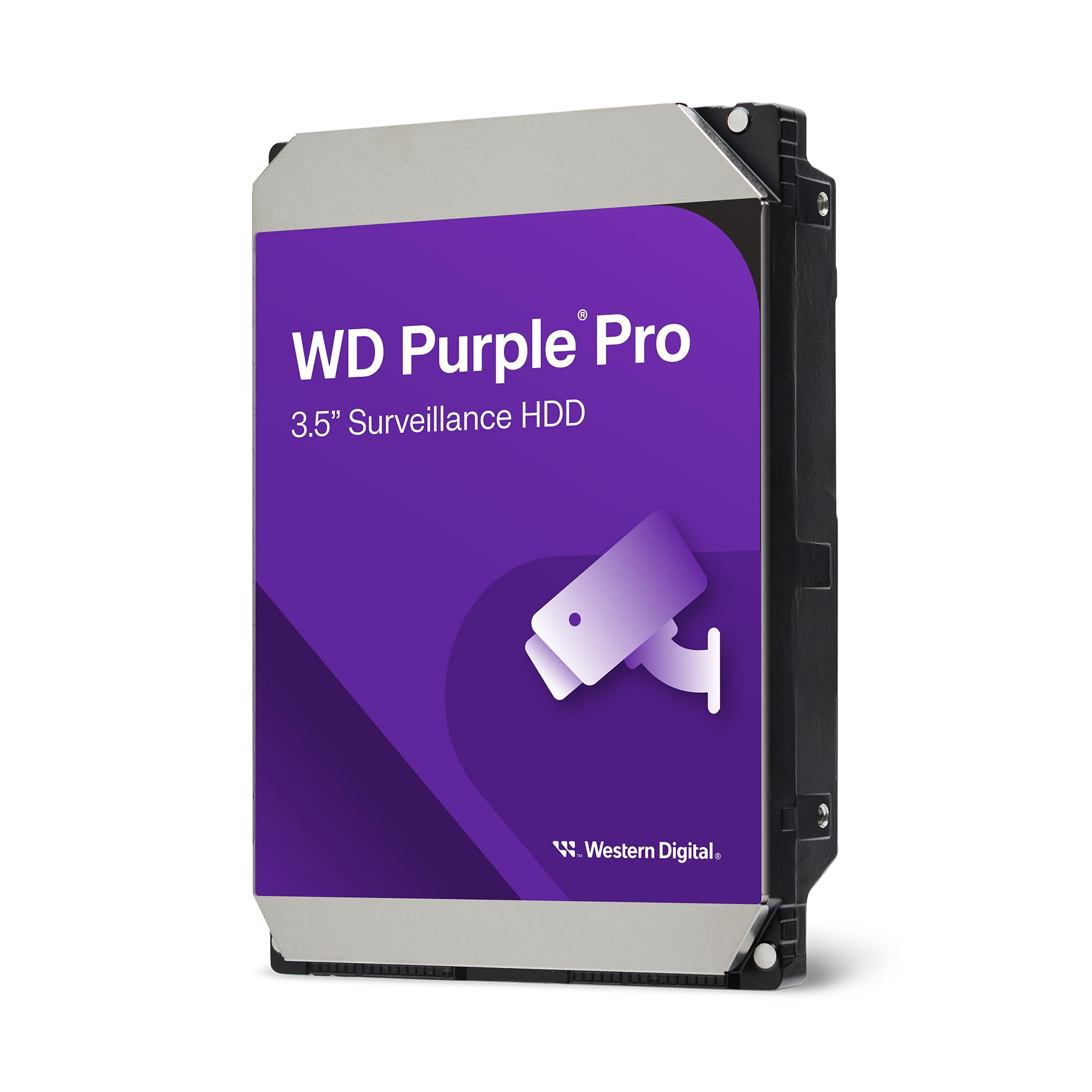
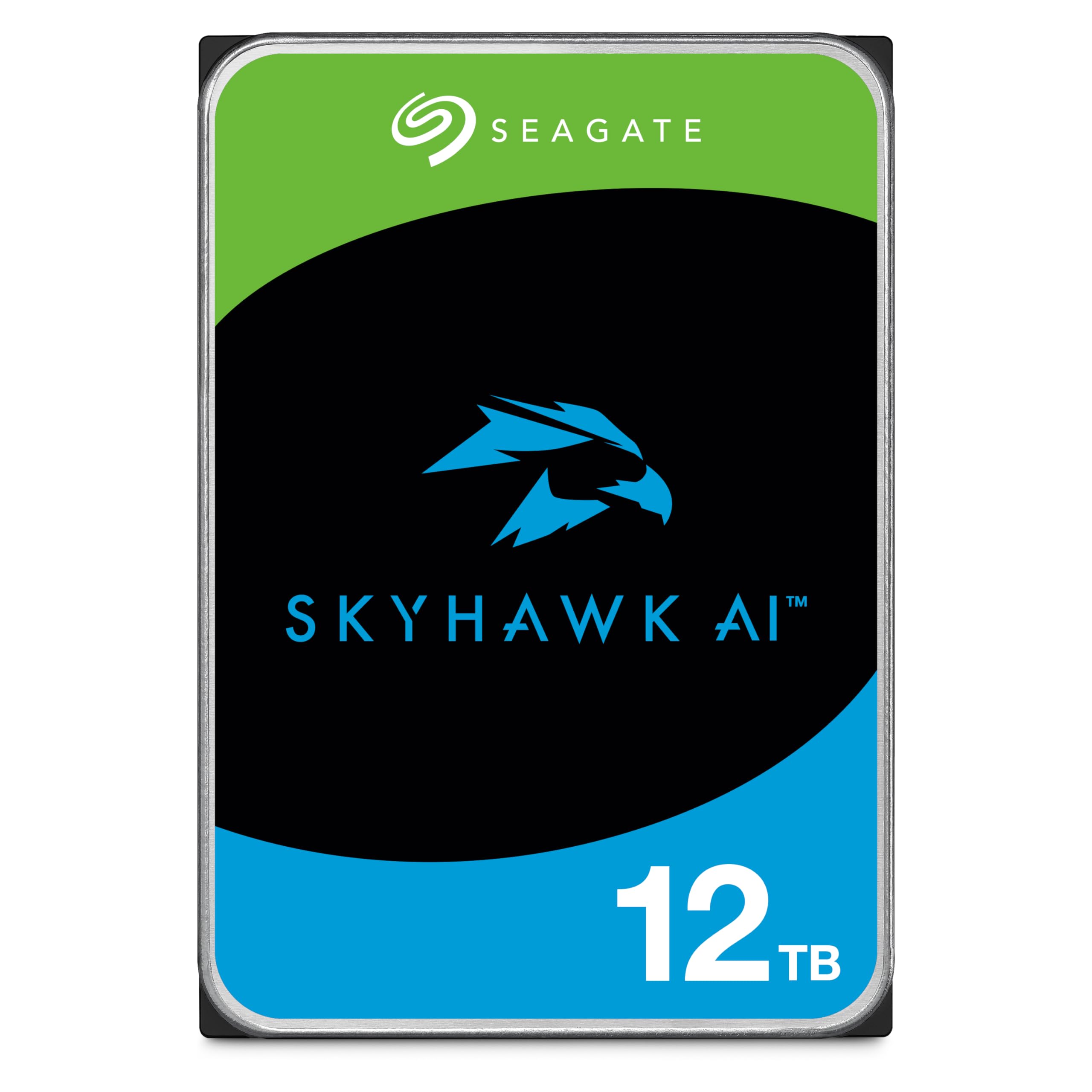
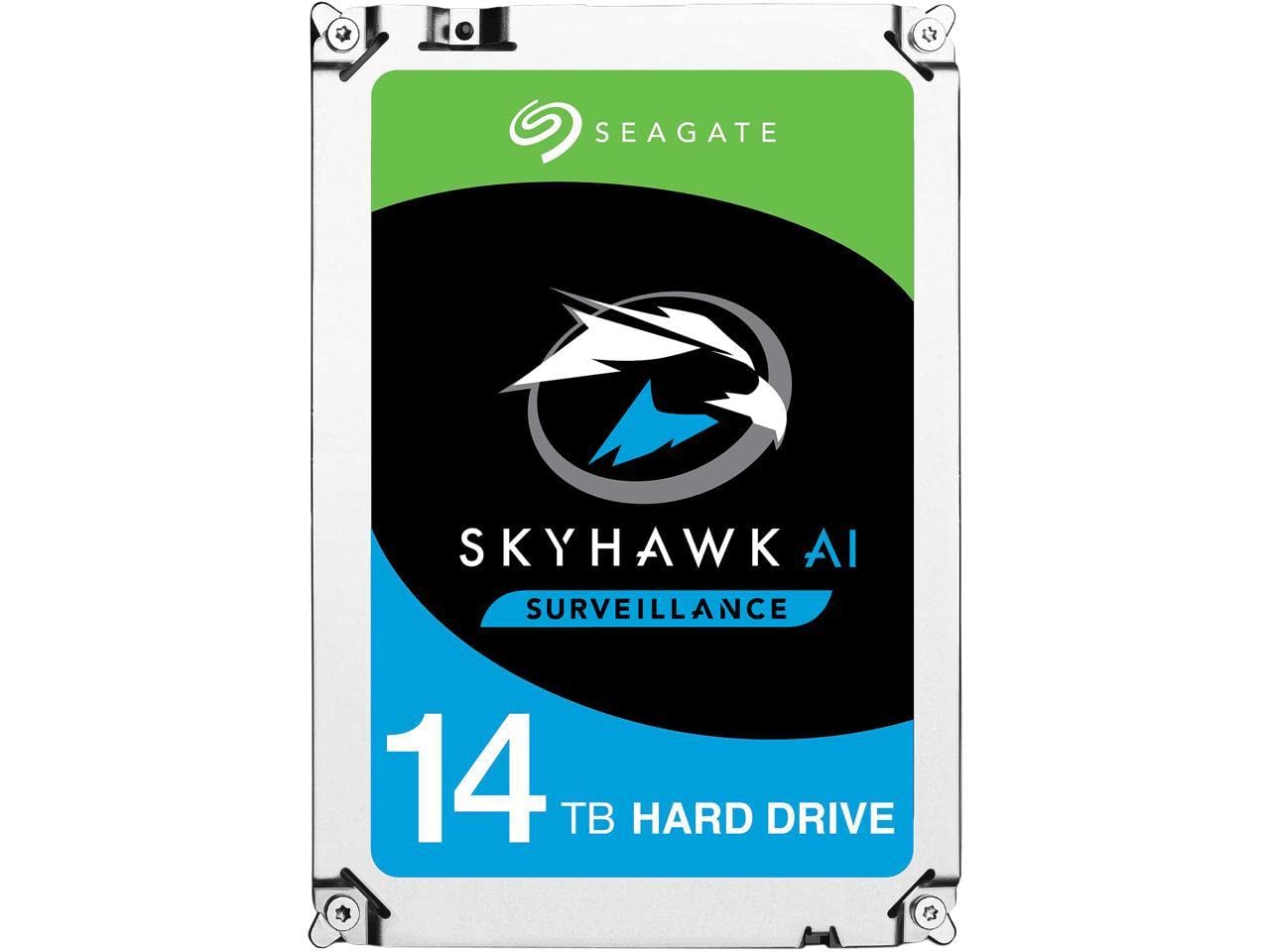
Surveillance drives versus desktop drives
A surveillance drive is designed to be written to continuously, twenty four hours a day, with a workload rating measured in hundreds of terabytes per year. A desktop drive is designed for bursts and idle time. Put a desktop drive in an NVR and it often works for eight months and then develops bad sectors, and the footage you lose is whatever was overwritten in the meantime.
Size matters less than retention maths. Four 2K cameras recording continuously need around 1 TB for a week. Motion recording can stretch the same drive to a month. Buy the size that gives the retention you actually want, and check that the recorder accepts that capacity, because older NVRs have firmware limits at 4 or 6 TB.
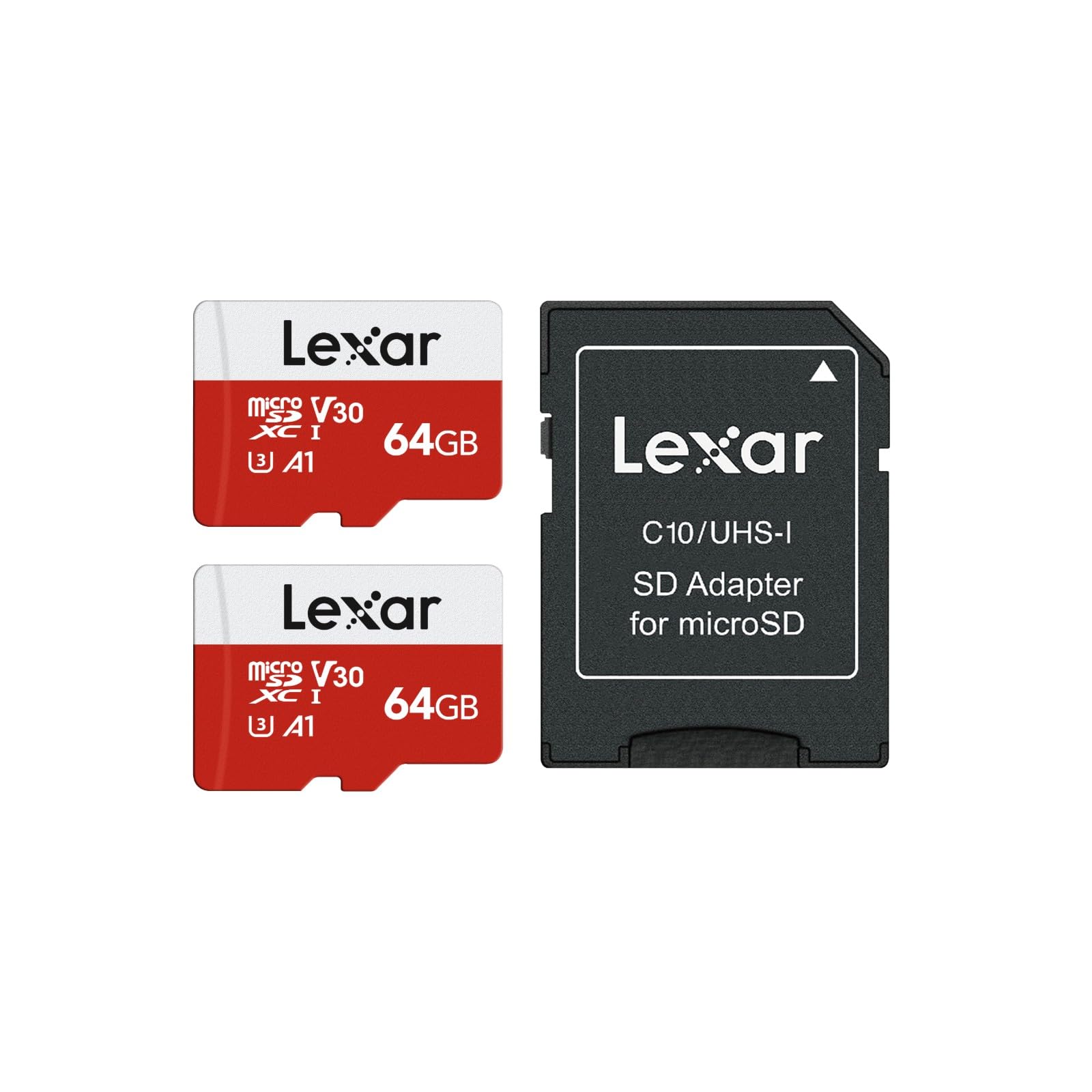
microSD cards and endurance
A camera writing continuously to a card does the equivalent of filling a phone's storage every few weeks. Standard cards are rated for about a thousand write cycles per cell and high endurance cards for far more. The difference in price is small and the difference in failure rate is not.
Match the card to the camera's stated maximum. A 256 GB card in a camera that supports 128 GB will often work and sometimes corrupt, and that is worse than a smaller card that is officially supported. Class 10 or U3 is the minimum for 2K video.
PoE switches and power budgets
A PoE switch supplies power to each camera over the network cable. The number on the box, for example 8 ports 120 watts, is the total budget across all ports, not per port. A camera that draws 12 watts with infrared on will exceed a cheap switch once four of them are connected and the lights go out.
Add up the peak draw of every camera, add 20 percent, and compare that with the switch budget. PoE+ handles the higher draw cameras and PTZ units, and a PoE injector is the cheaper answer for a single camera on a non PoE switch.
Mounts, cable and the weather
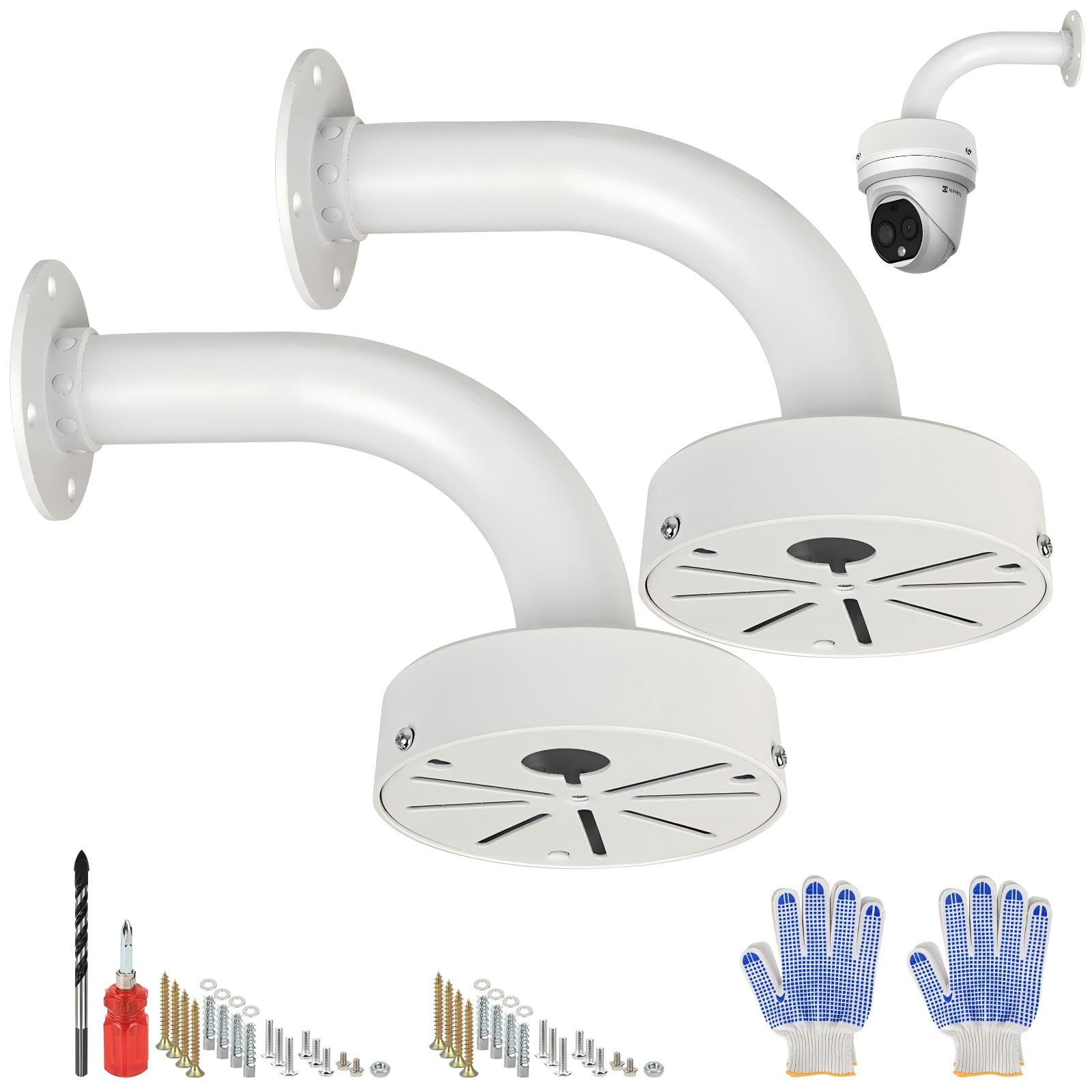
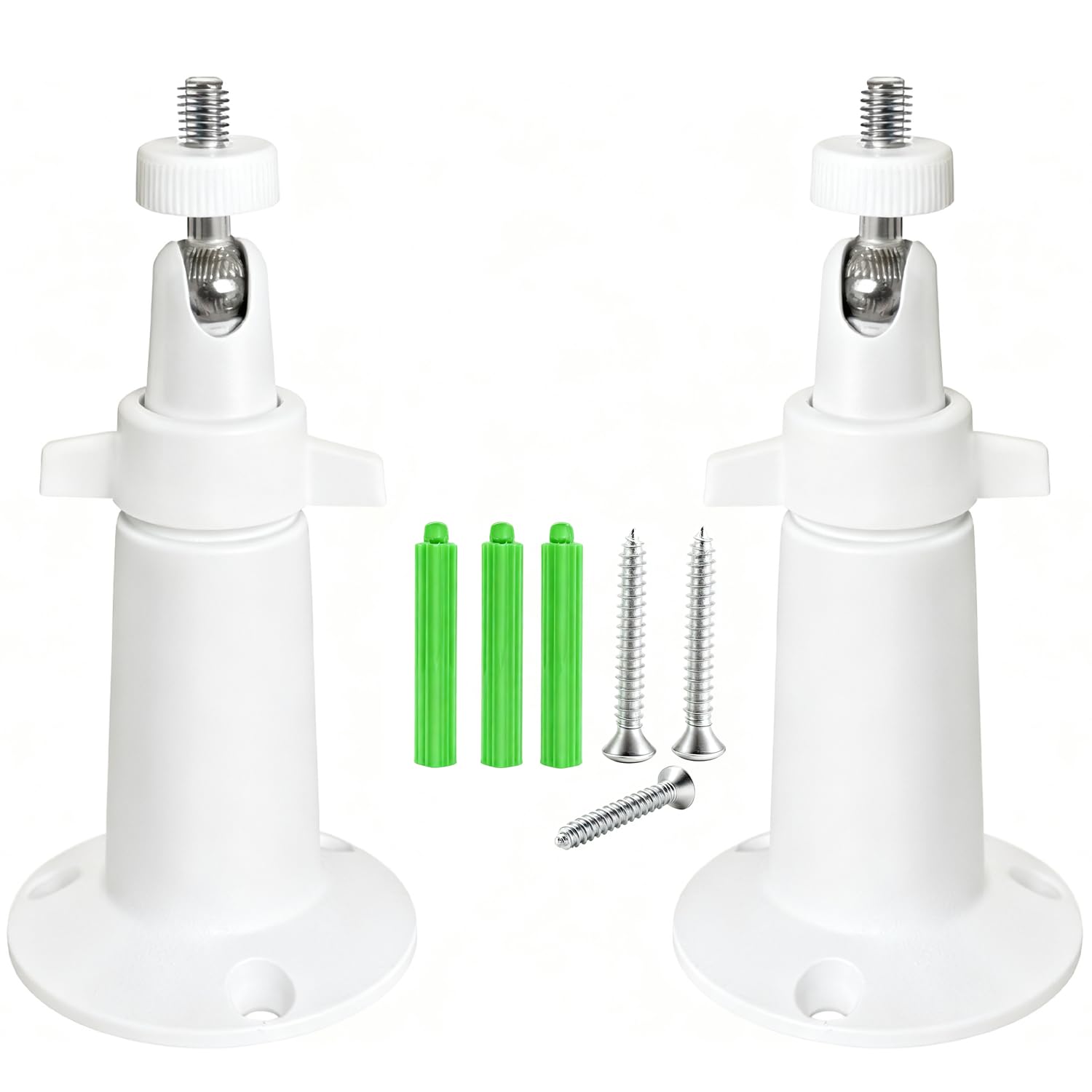
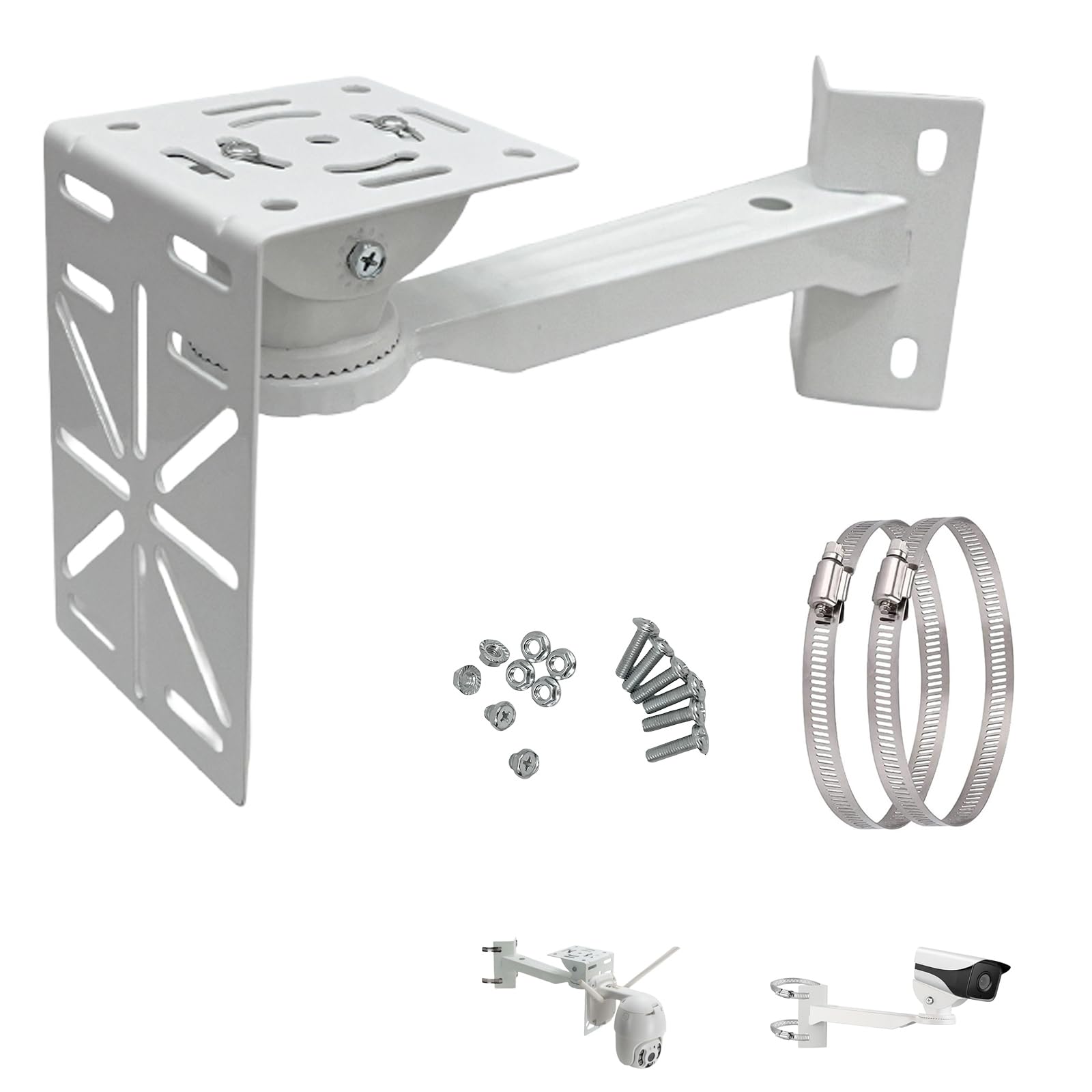
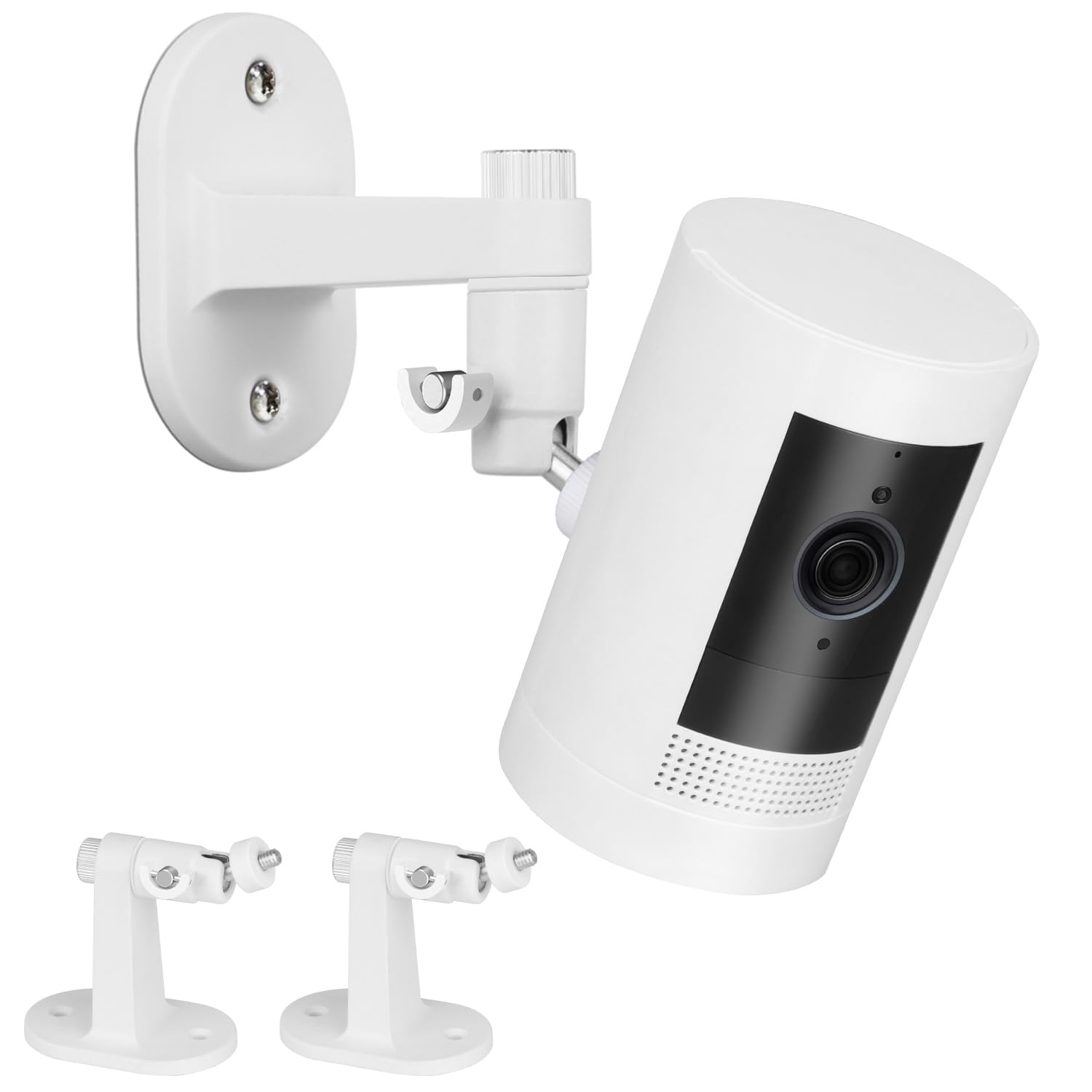
The mount is where wind load and vibration meet the camera, and a plastic bracket on a metal pole is a wobbling image in a storm. Metal brackets with a proper gland for the cable entry keep water out of the connector, which is the most common cause of an outdoor camera failing after a winter.
Run cable with a drip loop, seal every external connector with self amalgamating tape, and use outdoor rated cable rather than indoor cable in a conduit that fills with condensation. None of this is expensive and all of it is easier before the ladder goes away.
Solar panels, adapters and honest expectations
A solar panel for a battery camera produces a fraction of its rated output on a cloudy day, and almost nothing in a northern winter. It is enough to keep a camera alive with light use and not enough for continuous recording. Check the panel wattage against the camera's consumption and treat the marketing figure as a summer best case.
Power adapters fail more often than cameras. A replacement with the correct voltage, polarity and connector size costs less than a new camera, and keeping one spare is the fastest fix in this whole category. For the system as a whole, see the cameras and CCTV kits they support.